You download an app to stop money leaks
It usually starts on a Tuesday night, not with a big plan—just the irritation of another “why is my balance lower than I thought” moment. You open the app store expecting a quick fix: one place to see everything, a nudge before you miss a bill, maybe a clean category view that makes the leaks obvious. The friction shows up fast. Most apps want full bank linking upfront, and the paid tier is positioned like a requirement rather than an upgrade. You’re not only choosing features; you’re choosing what you’ll tolerate every time payday and autopay collide.
The first decision is whether the app earns access to your real accounts or stays in “manual mode.” Linking is faster, but it immediately tests your risk tolerance: credentials, third-party aggregators, and the reality that “supports your bank” can still mean flaky syncing. Manual entry avoids that, but it fails the moment you’re busy and the receipts pile up. A useful app makes this trade-off explicit and survivable—clear setup steps, predictable permissions, and a reason to trust it before it asks for more.
Even before the dashboard loads, the practical question is control, not insight. Can it flag a subscription increase without you building rules? Can it separate “safe to spend” from “technically in the account” once rent is spoken for? If the onboarding is mostly pretty charts and generic goals, you can already see the risk: it will feel motivating for a weekend and then disappear from your routine. The apps worth keeping start by reducing one specific failure mode—missed bills, silent renewals, or drifting spending—without turning setup into a second job.
The first week reveals whether data is trustworthy
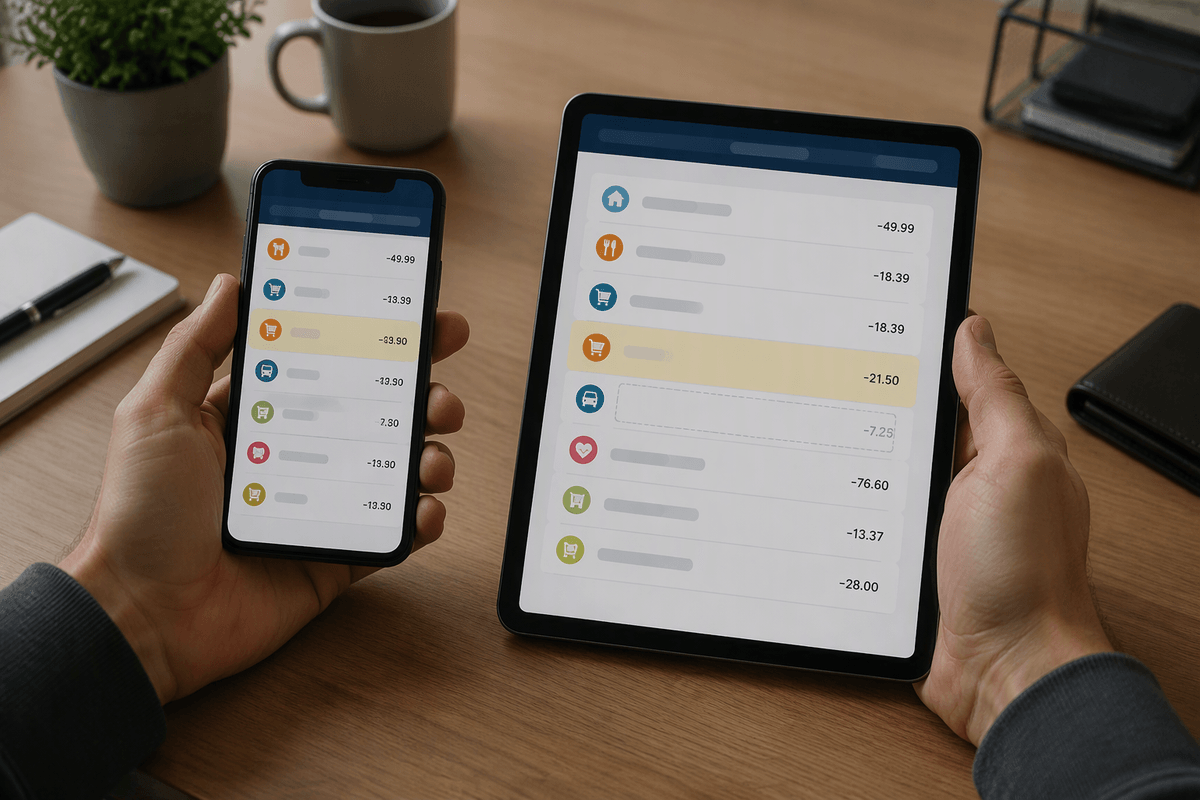
By day three, the clean dashboard stops feeling like a promise and starts feeling like a test. A pending charge sits in the wrong place, your paycheck looks smaller because it posted as two deposits, and one credit card is a day behind. None of that is fatal, but it changes what the app is: either a decision tool or a story generator. The first week is when you notice the quiet gaps—accounts that “connected” but don’t refresh, transfers that get counted as spending, and categories that bounce around because the merchant name comes through differently each time.
The practical check is boring on purpose: does the current balance match your bank within a few dollars, and do the last 20 transactions line up without missing duplicates? If it can’t reliably separate transfers, refunds, and pending charges, the alerts will be noisy and the “safe to spend” number will be fiction. An app earns trust here by showing last sync time, letting you force a refresh, and making edits stick without reclassifying the same transaction tomorrow.
Bills and paydays force the first real test
The first real stress test shows up when the calendar turns, not when the charts look stable. Your paycheck hits on Friday, rent drafts on Monday, and suddenly the “available” number matters in a way it didn’t during the first week. This is where apps that only mirror balances start to feel slippery: they’ll congratulate you for a higher account total while your next three autopays are already queued. If you’re paid twice a month or have variable income, the problem gets louder—timing, not totals, decides whether you overdraft or float a credit card for a week.
A useful app behaves like a cash-flow referee. It should recognize upcoming bills, reserve them before they post, and make the gap visible between “in the account” and “safe to spend.” You’re watching for specific failure modes: a paycheck categorized as “income” but not applied to the right budget period, a credit card payment treated as new spending, or a bill reminder that triggers after the money is gone. If it can’t model the next 10–14 days without manual babysitting, the monthly cycle will break it.
Overspending is about controls, not pretty charts
Once the bills are reserved, the next surprise is how easy it still is to spend past the plan without feeling reckless. The charts will even look “fine” until they don’t—especially if your credit card is a few days behind, or the app treats restaurant spend as a neat slice instead of a constraint you’re actually bumping into. This is where an app either gives you guardrails or asks you to be your own guardrail after a long workday.
What reduces overspending in practice is a control that activates before the transaction becomes history: a “safe to spend” number that updates with pending card charges, category caps that can’t be quietly exceeded, and alerts that fire when you’re about to cross a threshold—not when the month is already blown. If the tool can’t handle timing friction (late-arriving card data, split transactions, cash withdrawals), its controls become optional suggestions, and most people treat suggestions like background noise.
The apps that hold up here make you choose your failure points. One or two limits you can live with—like a weekly discretionary cap or a hard buffer minimum—beats a dozen colorful categories you won’t enforce when money gets tight.
Automation should reduce effort without hiding mistakes
After you’ve set a couple of guardrails, the temptation is to automate everything so you can stop thinking about it. Most apps encourage that: auto-categorization, auto-rules, auto-transfers to savings, even “smart” bill detection. In a busy month, it’s a relief—until the first quiet mistake. A paycheck split wrong, a transfer mislabeled as spending, or a credit card payment double-counted can cascade into a fake “safe to spend” number, and the automation will keep acting on bad inputs while you’re not looking.
The automation worth paying for is the kind that reduces weekly effort but stays auditable. Look for rules you can read at a glance, a clear log of what the app changed on your behalf, and a way to approve edge cases (cash withdrawals, reimbursements, annual subscriptions) without turning them into permanent rules. If “set and forget” also means “can’t easily see what it’s doing,” it’s not saving time—it’s hiding the exact errors that cause overdrafts and late fees.
Privacy and access trade-offs you can’t ignore

After a few automations run clean, the next prompt is always bigger: “link another account,” “enable read-and-write access,” “connect your employer,” “turn on sharing.” It’s framed as convenience, but the cost is exposure. The friction shows up when you realize “read-only” still reveals merchant history, balances, and payroll timing, and that data can be stored outside your bank. If the app can’t explain, plainly, who the data aggregator is, what gets retained, and how to revoke access without deleting your whole profile, you’re guessing with sensitive information.
Access decisions also change your failure modes. If the app relies on credential-based linking, a password reset can break syncing right before rent. If it supports token-based connections, you usually get fewer lockouts but still have to trust the permissions scope. The practical compromise is limiting links to the accounts that drive cash-flow decisions, using a separate login if your bank allows it, and treating “we need full access for better insights” as a red flag unless the benefit is specific and testable.
Pick the smallest feature set you’ll keep using
By the time you’ve survived one full pay cycle, the decision usually isn’t “which app is best,” it’s which one you’ll still open when you’re tired and busy. The feature lists start to look backwards: investment tracking, net-worth charts, credit scores. None of those stop a late utility payment or a weekend spend spiral. And every extra connection is another sync failure, another permission request, another support ticket you don’t want to file on a Wednesday night.
The smallest set that earns its place is repeatable: reliable syncing (with a visible last-refresh time), an accurate “safe to spend” view that reserves upcoming bills, and 1–2 controls you actually respect (a buffer minimum, a discretionary cap, alerts before you cross it). If rules and automation exist, they need an audit trail and fast correction, not “AI” guesswork. When an app can do those few things without constant recategorizing, the switching risk drops—because you’re no longer buying features, you’re buying fewer bad surprises.